
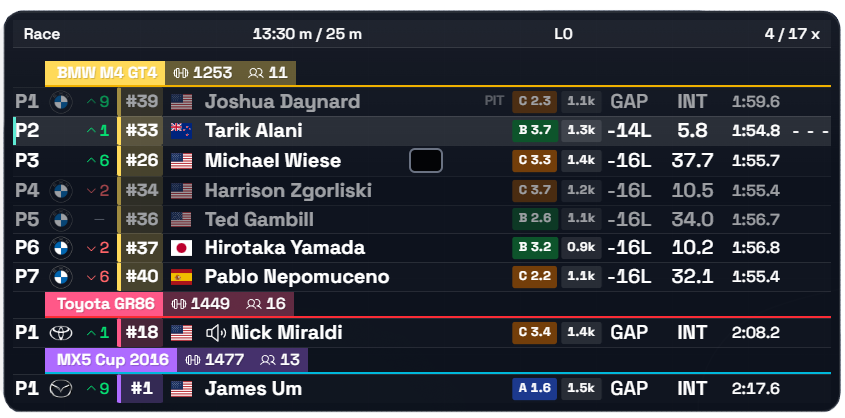
Standings
01Full running order broken down by class, with gaps and best laps. Class and overall position in a single row.
Full control over every element — from appearance to the data it shows. Settings save to a profile you can export and share.
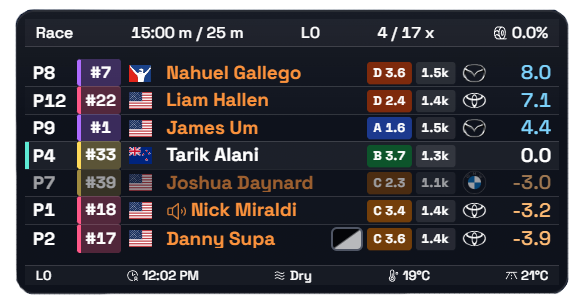
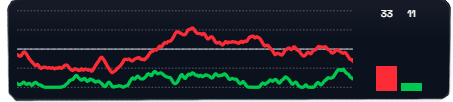
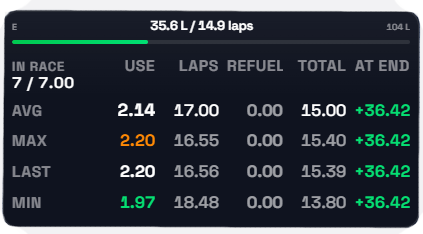
Turn on only what you need for the current session. Customize every widget to fit you.
Full running order broken down by class, with gaps and best laps. Class and overall position in a single row.
The Relative overlay shows which drivers are close to you on track.
Per-lap consumption, remaining fuel, and your margin to the finish at current pace. Tells you exactly how much to add at the pit stop.
A panel for tracking incidents in real time and reviewing them after the race in replay.
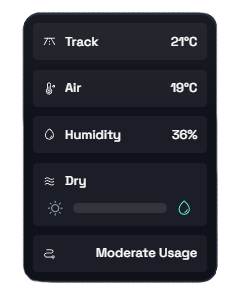
Track and air temperature, humidity. See when the weather is shifting your pace.
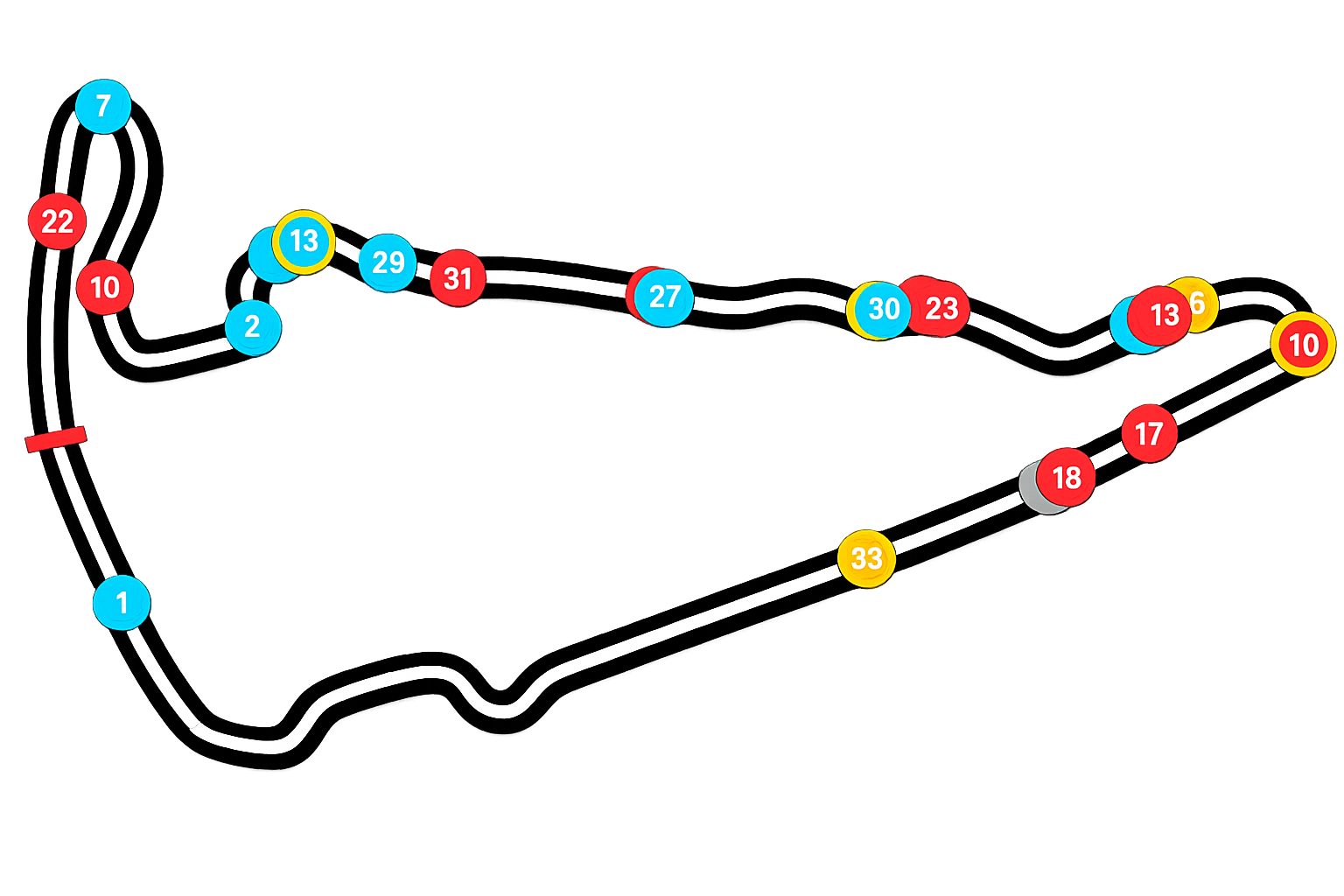
A track map with every car's position in real time. Spot traffic and gaps before you're out of the corner.
Throttle, brake, clutch, and steering with a trace of the last few seconds.
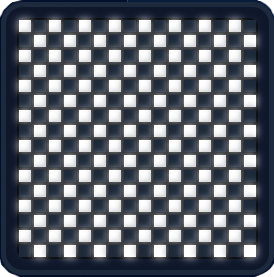
Checkered and other session flags, shown large on top of the screen. Never miss the finish or a change in race state.
Measured on a reference build: Ryzen 9 9800X3D, RTX 5070 Ti, 1440p, 30–60 cars on track.
One core, full starting grid.
Median across 60 sessions, rendered as a separate layer.
Every widget is captured separately.
Tune everything to your liking.
Just as comfortable on any screen.
Click a card to see the interface up close.
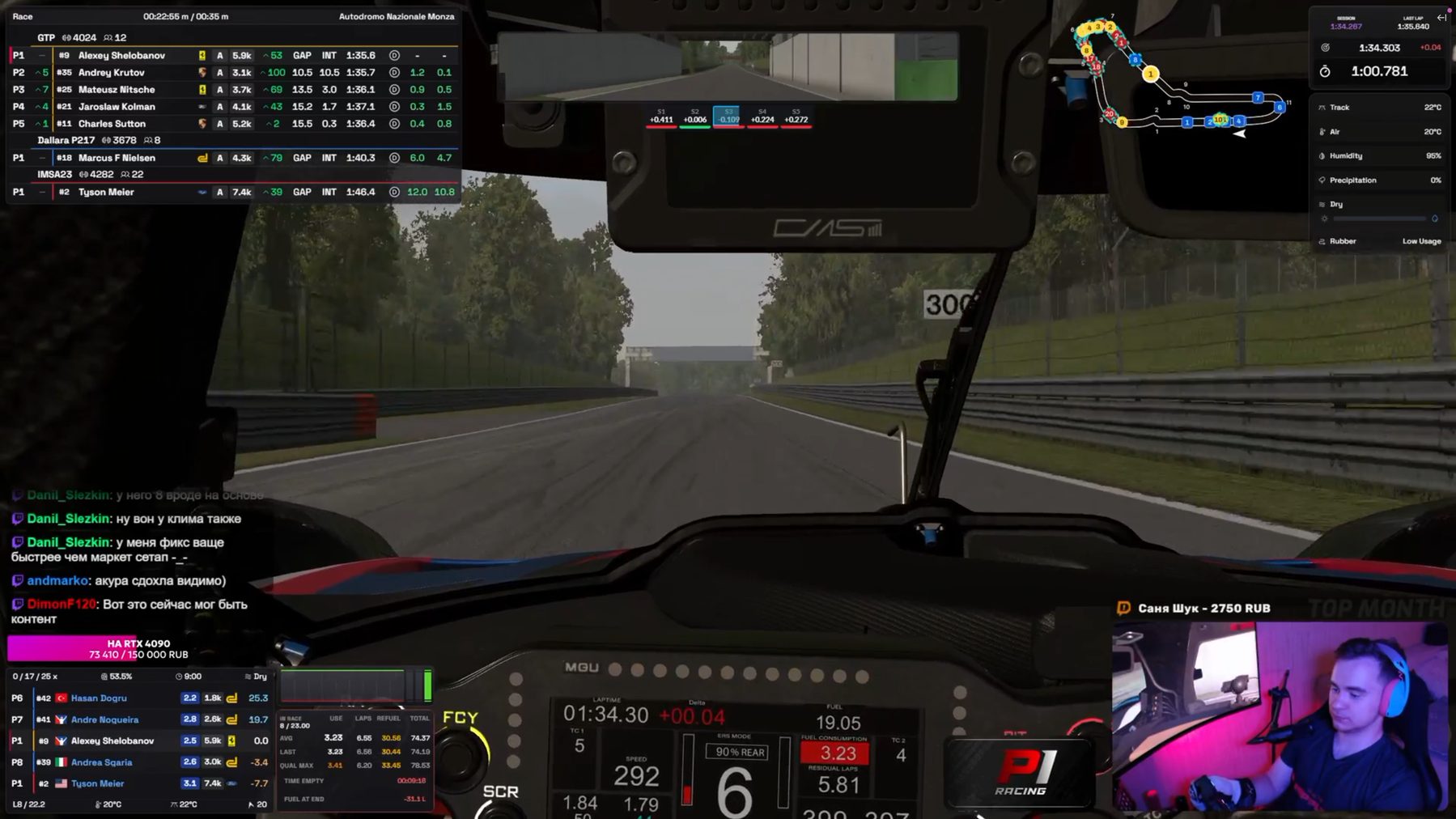
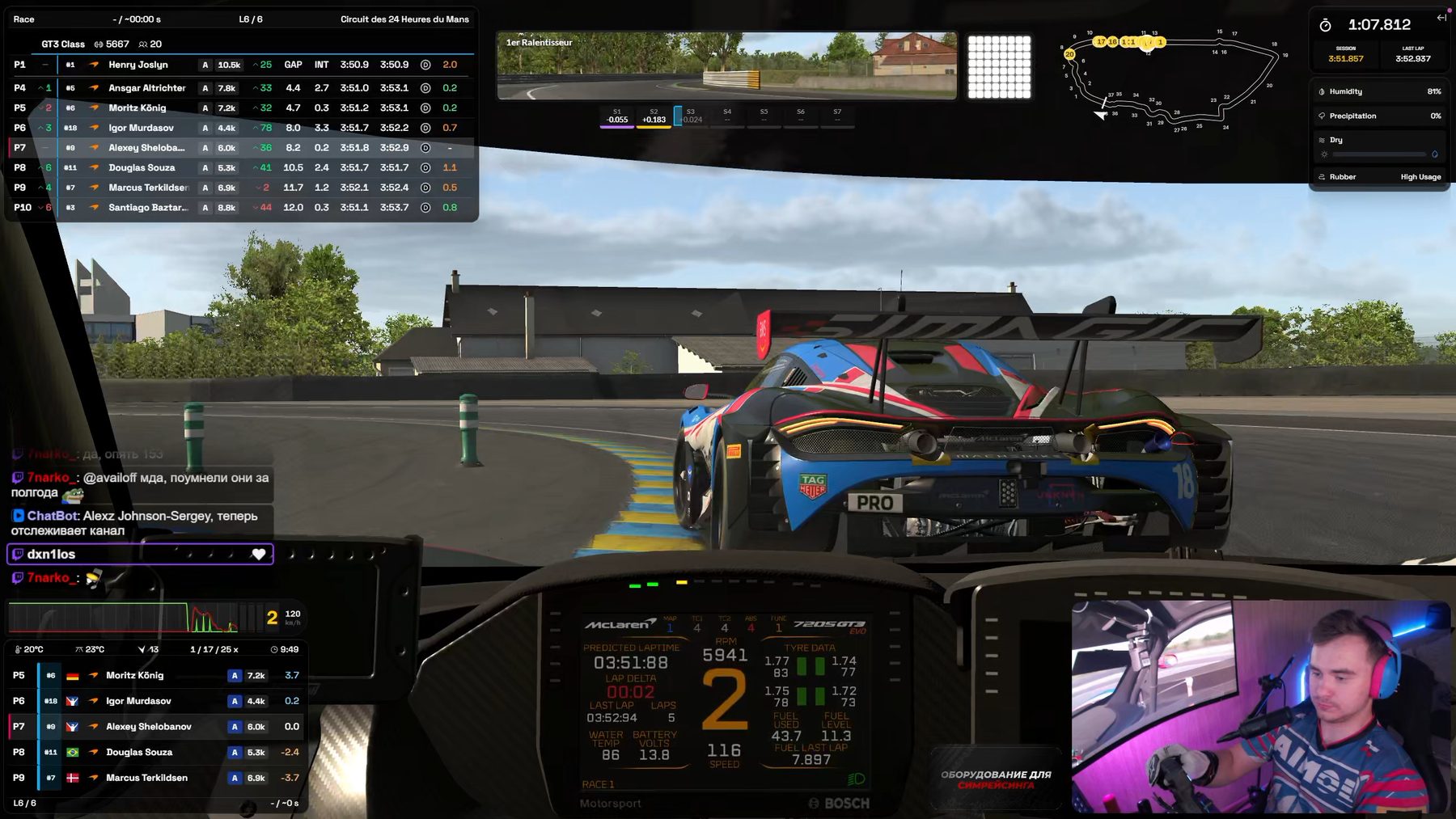
Racers who care about what's happening around their car: Relative, Radar, and Fuel keep the data you need in view without blocking the track.
Streamers who need a readable broadcast: individual widgets can be arranged into your own layout and tuned for OBS capture.
The app is currently completely free.
Windows 10 and Windows 11, 64-bit only. There's no macOS or Linux version, and none is planned — iRacing itself only runs on Windows.
In our measurements, it's within the margin of error: a median of −3.4 FPS. Overlays render as separate windows on top of the simulator and don't touch its render loop.
Yes. Widgets are captured through both Game Capture and Window Capture. Any widget can be excluded from capture individually — it stays visible on your monitor but won't appear in the stream.
Yes: position, size, scale, opacity, class colors, column set, row count, and units are all configurable per widget.
Yes. All widget settings save to a profile file — you can download it, send it to someone else (over Discord, for example), and import it back to apply a ready-made setup in one click.
No. The app reads telemetry locally and sends nothing out. You just need an iRacing account with an active subscription.
23 independent widgets in total — each can be toggled, dragged, resized and configured on its own:
Separately from these 23 widgets, the app also has Race Control — a live incident log for the session: crashes, off-track moments and lost-control events are logged automatically, can be flagged, and replayed with a double-click.
Installation takes a minute. Widgets pick up telemetry automatically as soon as you're out on track.